
How to Read a PDF with AI Without Losing the Plot

Map it. Mark it. Return.
A dense PDF is rarely difficult because it is long. It is difficult because its meaning is distributed across sections, definitions, qualifications, figures, footnotes, and changes in direction.
An AI PDF reader can help. But the most useful role for AI is not to replace the document with a summary. It is to make the document easier to enter, easier to navigate, and easier to return to.
That calls for an annotation-first method.
You let AI show you the structure. You read the argument yourself. You mark what you noticed, questioned, or want to use later. Then you let those marks become a path back into the work.
“It is definitely much more in line with the original text. I think it is definitely very good.”
, Srini, research student, on listening to a long paper in Omphalis
This guide explains how to read a PDF with AI while keeping the original plot in view.
Start with the document’s shape
Before reading closely, find out how the PDF is built.
Not every section deserves the same kind of attention. A research paper may move from a question to a method, from a method to evidence, and from evidence to a qualified conclusion. A policy document may move from definitions to obligations and exceptions. A technical report may place its central claim in one section and its limits several pages later.
A generic summary can flatten these differences. A structural reading keeps them visible.
Begin by asking your AI PDF reader questions such as:
- What is the document trying to establish?
- How is the argument divided into sections?
- Where does the reasoning change direction?
- Which terms or assumptions carry the most weight?
- Where are the main findings, qualifications, and limitations?
The goal is not a polished abstract. It is a map.
A map tells you where the document goes. It does not take the journey for you.
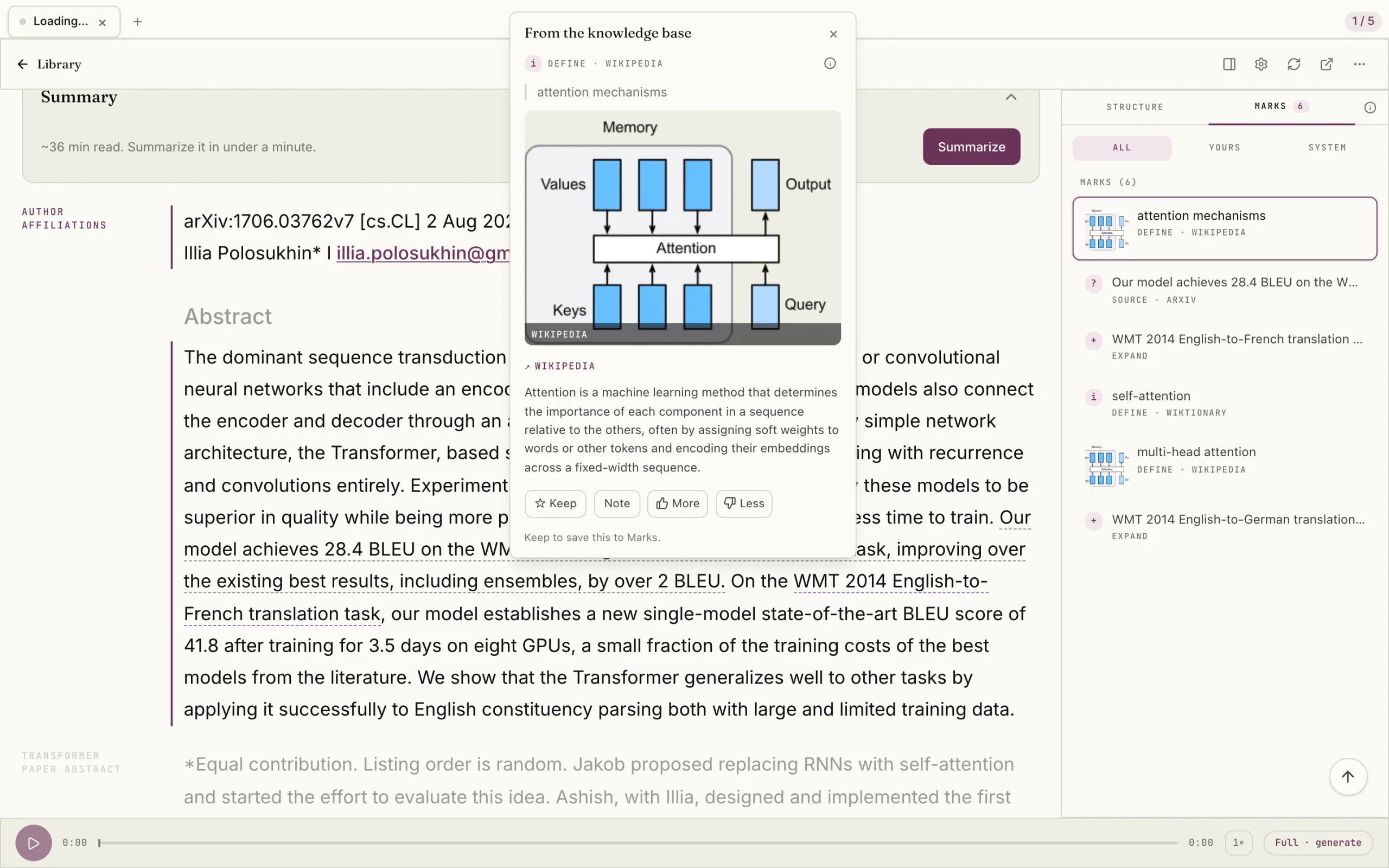
Omphalis’s PDF reader cleans up difficult layouts, brings sections into view, and surfaces dense moments so you can understand where you are before you begin reading closely.
Use a three-pass method
A useful workflow has three passes. Each pass has a different purpose.
1. Survey the structure
On the first pass, spend a few minutes looking at the document as a whole.
Read the title, abstract, introduction, headings, figures, and conclusion. Use AI to identify the thesis, the major sections, and the relationship between the evidence and the conclusion.
A practical prompt might be:
“Give me a structural map of this PDF. Identify the main question, the central argument, the major sections, the evidence used, the conclusion, and any important limitations. Keep each point brief and refer to page numbers where possible.”
This is where an AI PDF reader can save you from entering a document without orientation. You are not asking it to decide what the paper means. You are asking it to show you how the paper is arranged.
For a 60-page report, this may reveal that only three sections are directly relevant to your current question. For a paper, it may show that the apparent conclusion depends on an assumption introduced much earlier.
Keep those relationships in view.
2. Read and annotate
Now read the original PDF.
Read the paragraphs where the author defines terms, makes a claim, introduces evidence, changes direction, or limits the claim. Read the sections your structural survey identified as important. If the document matters to your work, do not let the initial AI map become a reason to skip the text.
This is the central distinction:
AI should guide attention, not replace judgment.
As you read, annotate in your own language. Keep the marks simple. You might use four categories:
- Important : a claim, definition, or finding you need to keep
- Question : something unclear, doubtful, or underexplained
- Connection : an idea related to another paper, project, or field
- Use : a passage you may cite, apply, or revisit
A good annotation does not merely say that a passage is interesting. It records why the passage matters.
Instead of:
“Important.”
Try:
“This changes the paper’s definition of reliability.”
Instead of:
“Confusing.”
Try:
“The method appears to measure correlation, but the conclusion uses causal language.”
The difference is small at the moment of reading. It becomes significant later.
Your annotation preserves your encounter with the document. It keeps the reason for the mark alongside the marked passage.
Ask narrow questions, not broad ones
When a paragraph is difficult, the natural temptation is to ask an AI tool to explain the whole paper.
That usually creates another layer of distance between you and the text. The response may be fluent, but it can obscure the exact point where your understanding broke.
Ask locally instead.
Good questions include:
- “What does this term mean in the context of page 8?”
- “How does the author move from this finding to the next claim?”
- “What assumption is being made in this paragraph?”
- “Explain Figure 3 using the definitions introduced in Section 2.”
- “What is the difference between these two uses of ‘validity’?”
- “What qualification does the author add at the end of this section?”
Include page numbers, section names, quoted phrases, or the passage you marked.
This gives the AI a smaller and more accountable task. It also gives you something concrete to verify against the source.
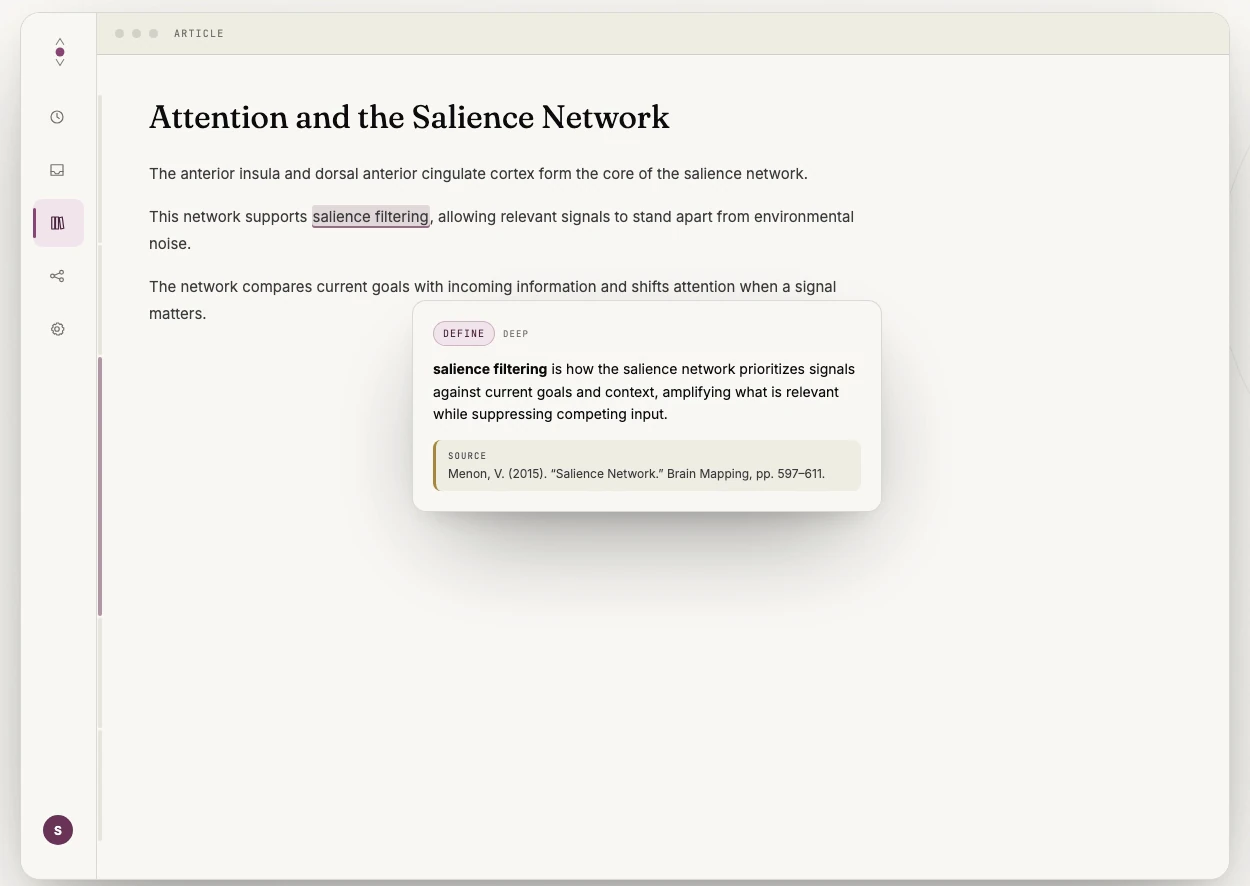
Omphalis is designed around this kind of reading. Complex terms can be explained where they appear, grounded in the document in front of you, so you can keep following the argument rather than opening several unrelated search tabs.
The explanation is assistance. The paragraph remains the source.
Let your marks become first-class notes
Many PDF tools let you highlight text. Fewer help you keep the meaning of the highlight.
That distinction matters.
A highlight without context can become a small mystery a month later. You remember that a passage seemed important, but not whether it supported your argument, challenged it, or simply introduced a useful term.
An annotation-first PDF reader should keep at least three things together:
- The exact passage you marked
- The location in the original document
- Your reason for marking it
This turns annotation into durable data rather than temporary decoration.
After reading, ask AI to help organize your marks:
“Group my annotations into definitions, central claims, supporting evidence, questions, and connections. Keep my wording where possible. Do not add conclusions that are not present in my notes or the source.”
The instruction matters. You are asking the system to organize your thinking, not manufacture a new interpretation.
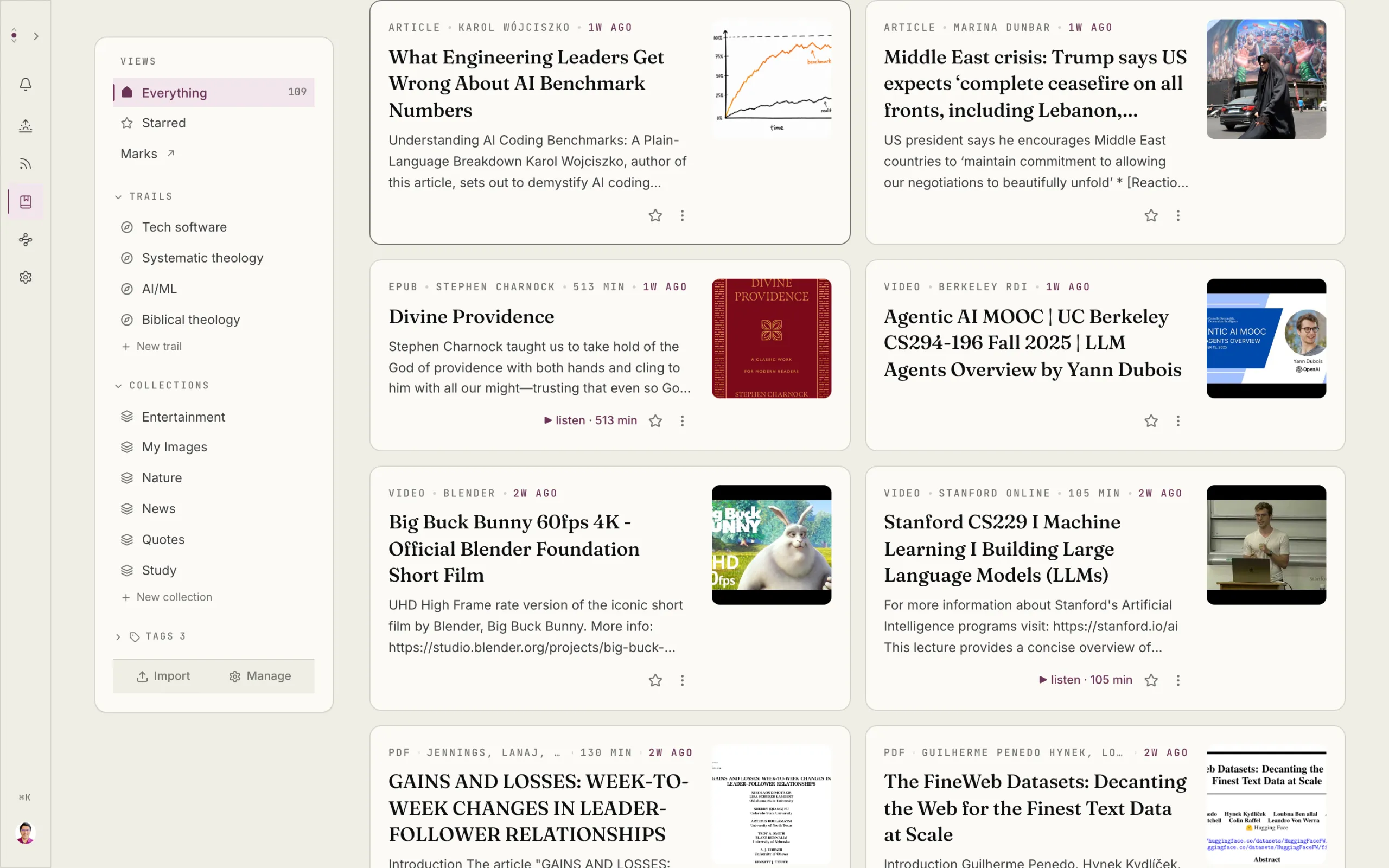
Omphalis’s reading comprehension approach treats what you marked as something worth keeping and returning to: not as raw material for a generic summary.
Read the argument twice: once forward, once backward
The first reading follows the document’s order.
The second reading follows your questions.
After finishing the PDF, return to your annotations. Look at the passages you marked as important, confusing, connected, or useful. Then ask:
- Which claims does the conclusion depend on?
- Which questions did the document answer?
- Which questions remain open?
- Where does the evidence support the argument?
- Where does the author qualify or narrow the claim?
- How does this document connect to something I have already read?
This backward pass is often where the plot becomes clearer. You stop treating the PDF as a continuous wall of text and begin to see its centers, turns, and dependencies.
You may discover that a minor definition in the introduction governs the entire paper. Or that the most useful idea is not the headline finding but a limitation buried near the end.
The point is not to produce a perfect outline. It is to make the relationships visible.

Test understanding without outsourcing it
AI can help you check whether you understood a PDF. It should not be the only one answering the questions.
Ask for questions that test reasoning rather than recall:
“Create eight questions about this document. Include questions about the central argument, method, evidence, assumptions, limitations, and possible counterarguments. Do not provide the answers yet.”
Answer the questions yourself first.
Then compare your answers with the text and, if useful, with an AI response grounded in the document. Pay particular attention to places where your answer sounds more certain than the author’s.
This is especially important for research papers. A paper may report an association while carefully avoiding a causal claim. It may describe a result as suggestive rather than conclusive. It may state that a method works under specific conditions.
A summary can lose these boundaries. Your questions can bring them back.
For important documents, ask AI to identify uncertainty explicitly:
“List the claims in this paper that are observations, working hypotheses, measured findings, or interpretations. Quote or reference the relevant sections.”
Then verify the answer yourself.
An AI PDF reader can help surface nuance. It cannot take responsibility for your interpretation.
Use the right workflow for the document
Different PDFs call for different kinds of attention.
For a research paper
Map the research question, method, findings, and limitations. Mark where the evidence is strongest and where the author narrows the claim. Keep notes connected to page numbers.
Omphalis’s research paper reader is built for this kind of work. It untangles two-column layouts, keeps the document’s structure visible, and lets you mark the moments worth returning to.
For a textbook chapter
Mark definitions, examples, contrasts, and ideas that connect to earlier chapters. After reading, explain one central concept in your own words before asking AI to identify gaps.
For a professional report
Mark decisions, risks, requirements, dependencies, and exceptions. Ask AI to locate relevant sections, but read the original wording before acting on a recommendation or obligation.
For a long policy or legal document
Use AI to help find terms, clauses, and relationships. Do not treat an extracted answer as a substitute for the governing text. Preserve the source location for every important note.
A conventional PDF annotation tool may be exactly right when your main need is handwriting, signatures, or visual markup. An AI reading environment has a narrower purpose: helping you understand structure, ask grounded questions, and preserve the marks that shape your understanding.
These tools need not compete. They can serve different parts of the same workflow.
Keep the plot in view
Reading a PDF with AI works best when you maintain a clear order:
- See the structure.
- Read the source.
- Mark your response.
- Ask focused questions.
- Return through your annotations.
That order protects the part that matters most: your relationship with the document.
The best AI PDF reader is not the one that gives you the shortest summary. It is the one that helps you stay with a difficult text long enough to understand how it works: and leaves you a reliable way back.
Not a pile of saved files.
A reading path.
Open a PDF in Omphalis, or see the reader on a real document.